01
Name the operational friction
Show where disconnected systems, manual work or limited visibility is slowing your team down.
 Book a Demo
Book a FlowLogic demo
Book a focused 20-minute demonstration with a care operations expert. No generic slide deck, just the workflows your team needs to improve.
4.9 on Google · 119 reviews•20,000+ users•ISO 27001 certified•300+ providers
Trusted by care providers across Australia




A demo built around your operation
The strongest demonstration starts with your service model and follows information across care, workforce, finance and compliance.
01
Show where disconnected systems, manual work or limited visibility is slowing your team down.
02
Trace information from participant or client context through rostering, service delivery, billing and evidence.
03
Use the session to clarify configuration, integrations, onboarding and the right evaluation path.
Choose what you want to see
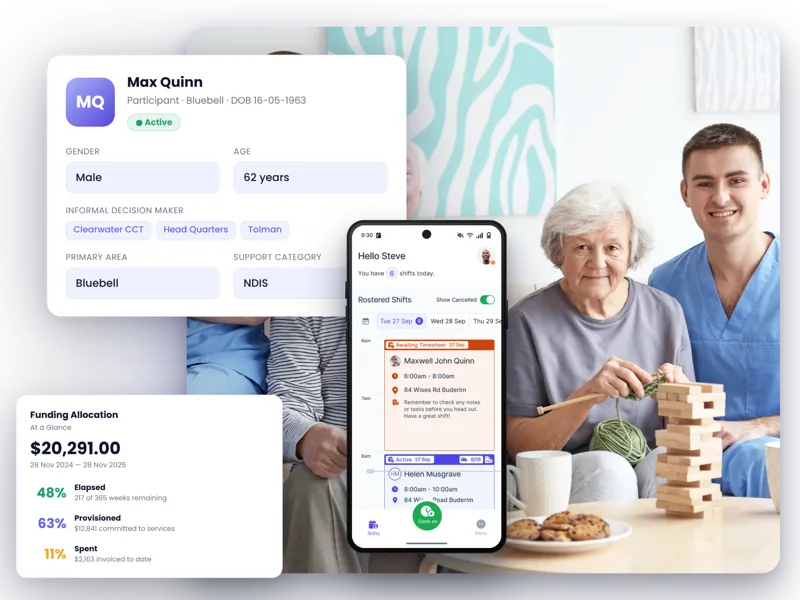
FlowLogic can demonstrate connected participant, workforce and funding workflows using examples relevant to your organisation.

Connected product proof
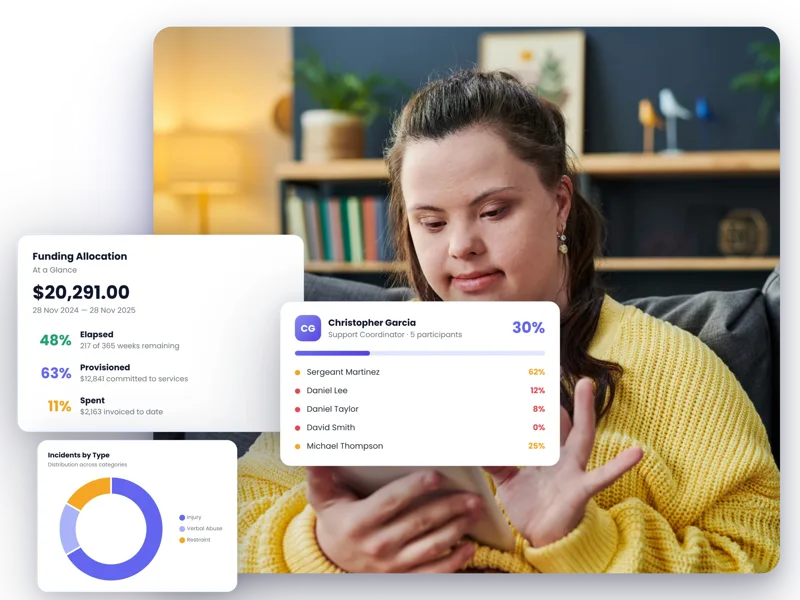
Participant operations
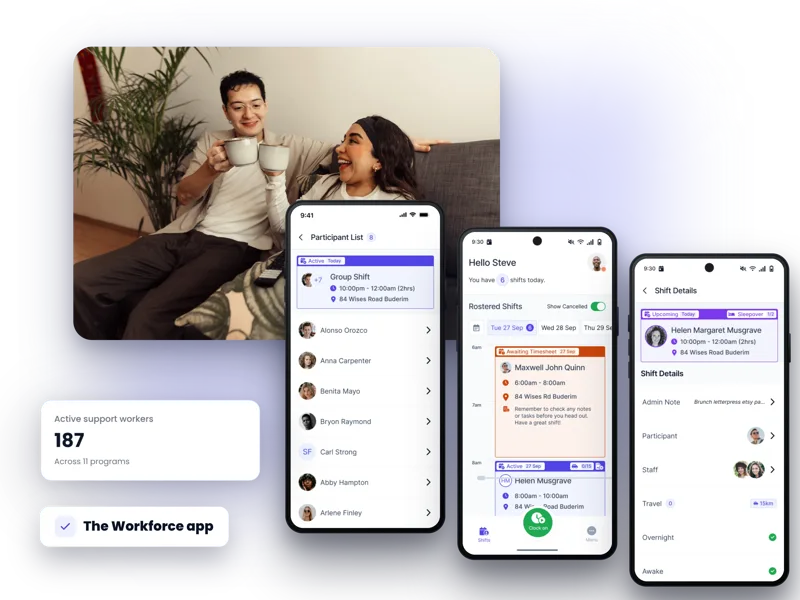
The workforce app
What the session covers
The demonstration is designed to answer practical questions, not force every organisation through the same product tour.
Your priorities
Give the specialist enough context to focus on the workflows with the highest operational value.
Live product
Review relevant care, workforce, finance, reporting and compliance views in the platform.
Implementation
Clarify what a practical transition could involve for your data, teams and processes.
Commercial fit
Confirm the information needed for a tailored subscription and onboarding proposal.
Implementation is part of the product experience
FlowLogic offers guided onboarding options that can include configuration, data migration, training, workflow automation and reporting support.
Discuss your implementationMap the workflows, teams, funding requirements and operational priorities the system needs to support.
Shape the FlowLogic environment around agreed processes, roles and reporting needs.
Plan data migration, training and change activities around the chosen onboarding scope.
Move into day-to-day use with implementation guidance and ongoing Australian-based support.

More human software. More human support.
FlowLogic combines configurable software with Australian-based onboarding and support, helping teams adopt a system that reflects how they actually work.
“Flow Logic is all it promised to be and it has enhanced our procedures no end. The team at FlowLogic have been fantastic.”
Questions, answered
The standard live demonstration is designed as a focused 20-minute session with a care operations expert.
Bring your service model, team structure, current systems and one or two operational workflows you most want to improve.
Yes. Include the operational, care, workforce, finance or compliance stakeholders who need to evaluate the relevant workflows.
Yes. The specialist can outline the information needed for tailored pricing and discuss migration, configuration, training and go-live support.
Tell us what your organisation delivers and where operations are getting stuck. We’ll prepare the session around those priorities.
Book a Demo