01
Keep plans and budgets current
Connect service agreements, care plans, individualised budgets and changing participant needs in one operational record.
 Book a Demo
Support at Home software for Australian aged care providers
Bring service agreements, care plans, individualised budgets, workforce, claims, finance and quality obligations together as your programme evolves.
★ 4.9 on Google • See FlowLogic against your service model and readiness priorities.
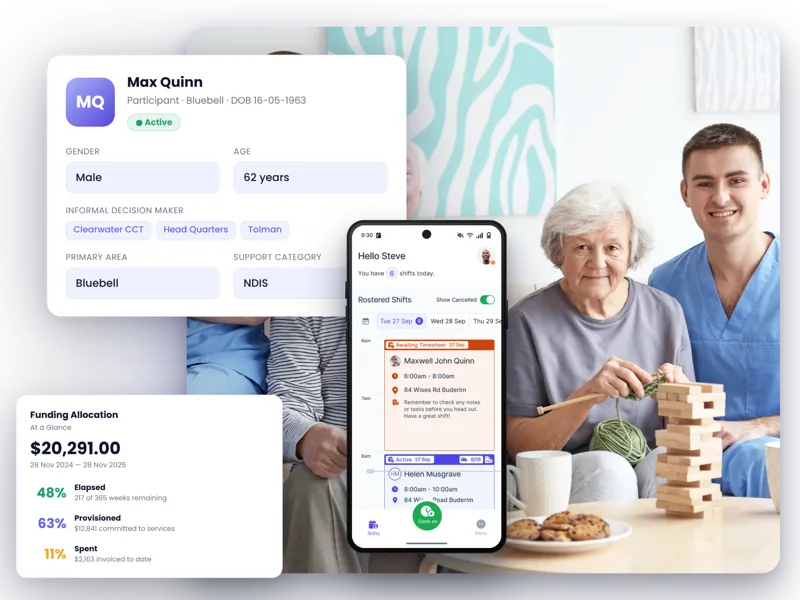
Support at Home changes the operating model
Support at Home providers oversee the participant relationship, coordinate services and manage the information needed for care, budgets, statements, claims, quality and governance. Those responsibilities cannot sit in separate operational silos.
01
Connect service agreements, care plans, individualised budgets and changing participant needs in one operational record.
02
Give care partners, workers, operations and finance the context needed to maintain continuity across ongoing and pathway-based services.
03
Carry care notes, risks, incidents, worker information and quality evidence through the same workflows used to deliver services.
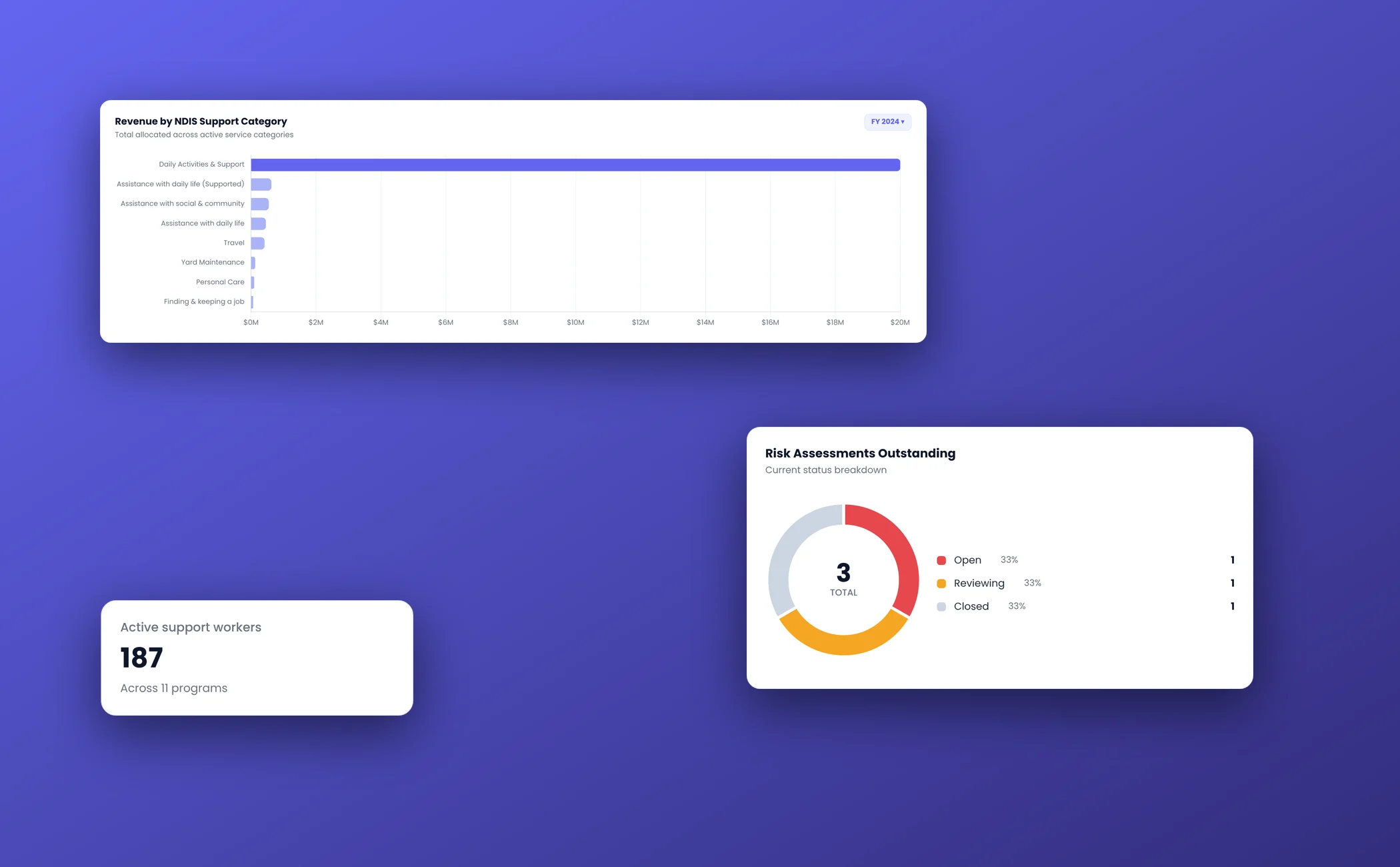
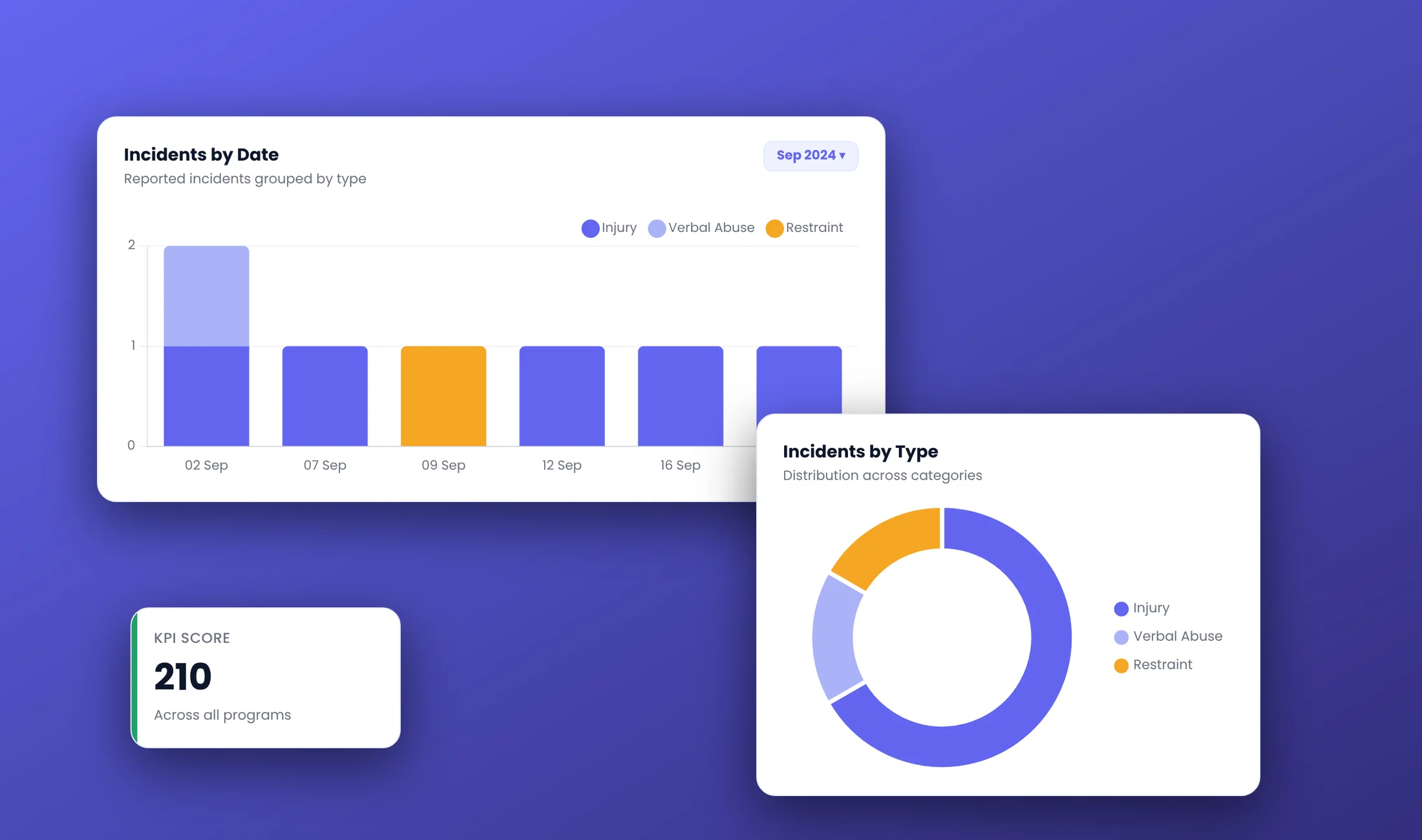
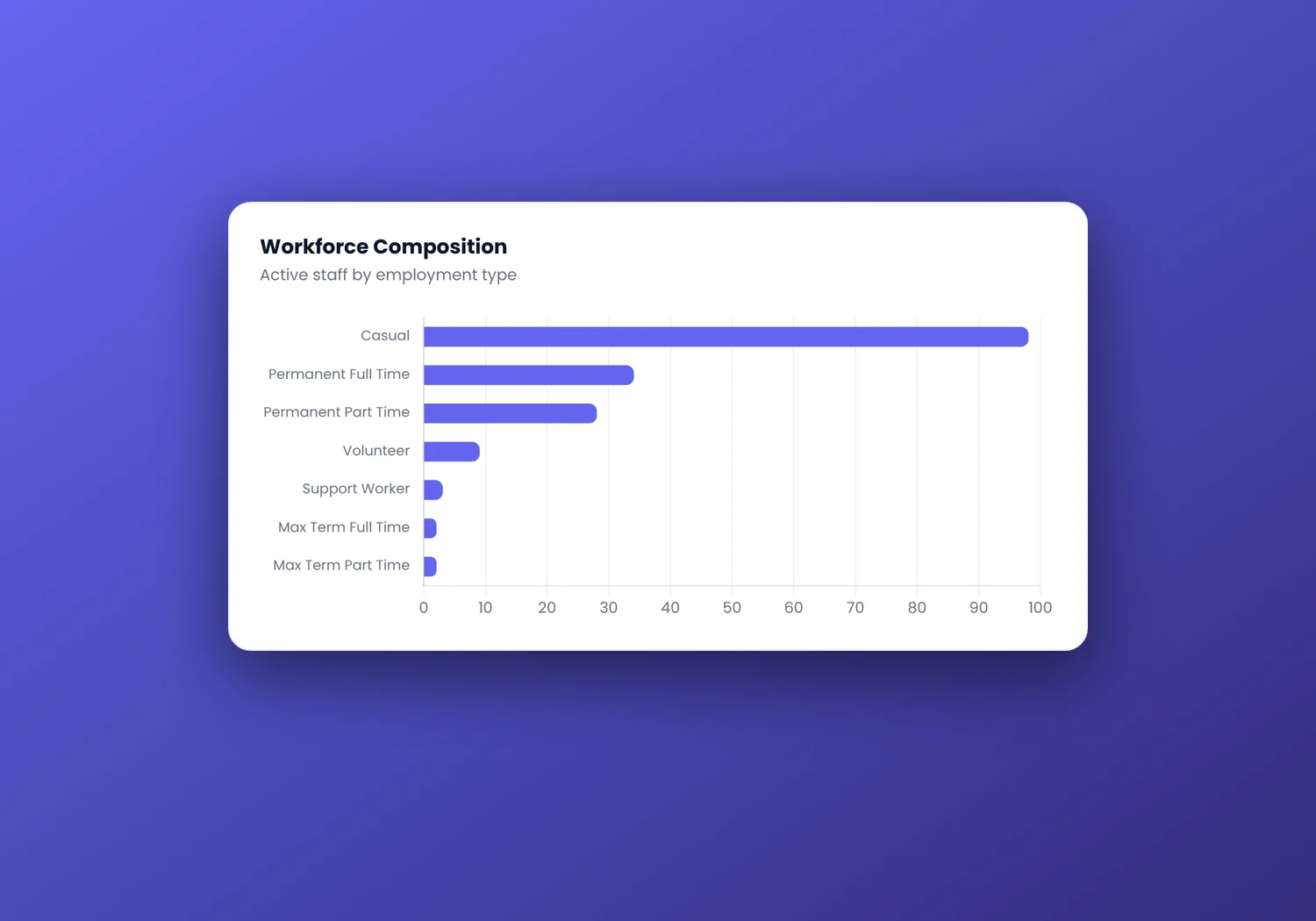
Operational signals without the full-screen clutter
Focused FlowLogic UI chunks turn complex service data into readable decisions for care management, operations, finance and governance teams.
Built around the Support at Home operating rhythm
The strongest software story in Support at Home is not a feature list. It is the ability to carry reliable information from planning through delivery, review, claiming and governance.
Care management
Support care partners with a shared participant record and the information needed to coordinate services as needs, goals or circumstances change.
Service delivery
Link rosters, worker information, care notes and service activity so operations and care management can maintain continuity.
Funding & finance
Give finance and operational teams clearer visibility across delivered services, available funding, participant contributions and claiming workflows.
Quality & governance
Support the evidence trail required for stronger oversight, quality processes and evolving provider obligations.
Connected product proof
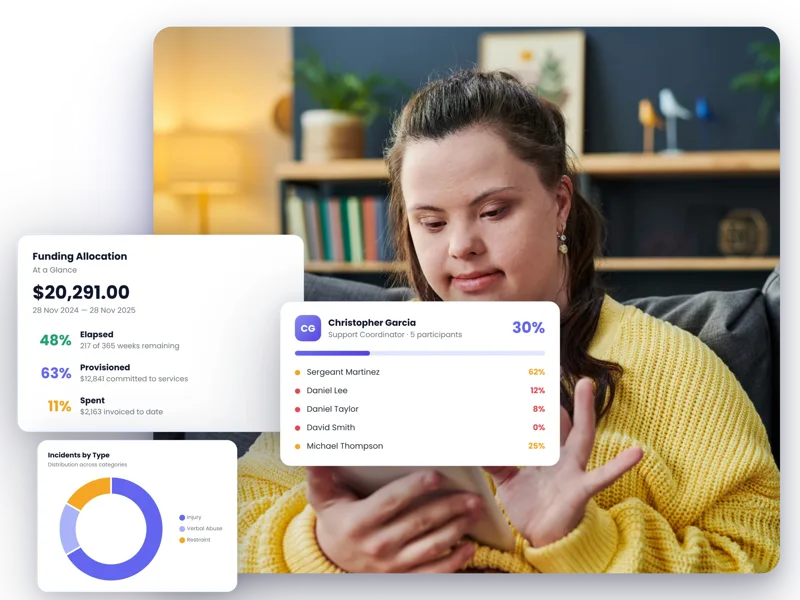
Participant operations
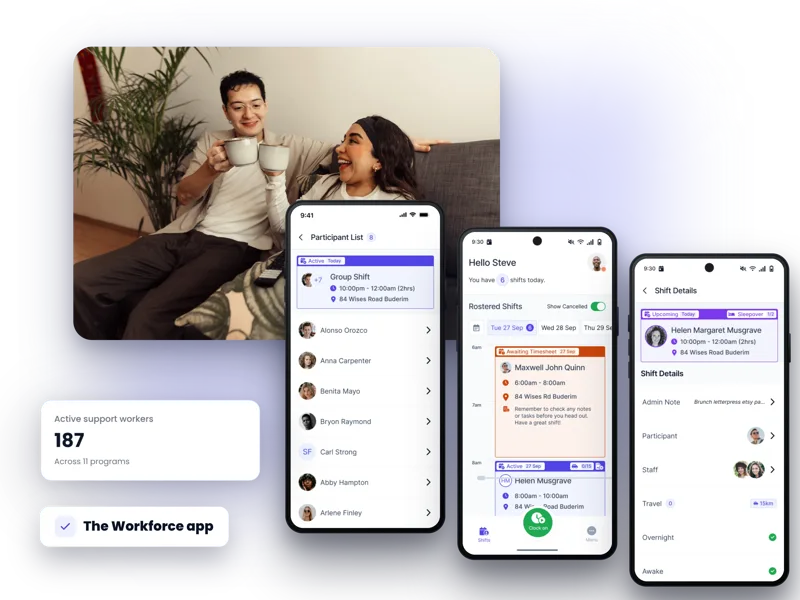
The workforce app
Implementation is part of the product experience
FlowLogic offers guided onboarding options that can include configuration, data migration, training, workflow automation and reporting support.
Discuss your implementationMap the workflows, teams, funding requirements and operational priorities the system needs to support.
Shape the FlowLogic environment around agreed processes, roles and reporting needs.
Plan data migration, training and change activities around the chosen onboarding scope.
Move into day-to-day use with implementation guidance and ongoing Australian-based support.

More human software. More human support.
FlowLogic combines configurable software with Australian-based onboarding and support, helping teams adopt a system that reflects how they actually work.
“Flow Logic is all it promised to be and it has enhanced our procedures no end. The team at FlowLogic have been fantastic.”
Questions, answered
Current government guidance requires providers to prepare and maintain information including a service agreement, care plan, individualised budget and monthly statements, alongside the records needed for safe service delivery and quality oversight.
Care management applies to all participants. It includes planning, service coordination, monitoring, review, risk and goal management, education and regular direct contact with the participant or registered supporter.
Participants receive one of eight ongoing service classifications. Funding is allocated quarterly, and 10% of each participant’s quarterly budget is allocated to pooled care management funding at the service delivery branch level.
No. Software can connect records, workflows, risks, incidents and reporting, but each provider remains responsible for understanding and meeting the obligations that apply to its registration categories and services.
Use a workflow-based demo covering service agreements, care plans, budgets, rostering, delivered-service records, claiming, statements, incidents and governance. Confirm the exact configuration and integration requirements for your organisation.
Show us how your team manages participants, quarterly budgets, care management, service delivery and claims. We’ll focus the walkthrough on the operational handoffs that matter.
Book a Demo